 En
En
 Fr
Fr
 De
De
 It
It
 Es
Es
 Uk
Uk
What is an AI agent, in business terms?
An AI agent is a program in which a language model receives a goal, chooses actions, carries them out through tools and checks the results until the goal is met. The tools are ordinary software interfaces: your CRM API, a database query, an email sender, a ticketing system, a file store. The model supplies judgment between steps; the tools supply the ability to change things.
That makes AI agents for business different from both chatbots and classic automation. A chatbot answers questions. A rules-based automation follows a fixed path you drew in advance. An agent handles tasks where the path depends on what it finds along the way: an unusual refund request, a lead with incomplete data, a support ticket that needs three lookups before anyone can answer it. Custom AI agent development is worth it when those judgment calls are frequent, repetitive and currently eat hours of skilled people's time.
Where AI agents for business earn their keep
AI agents work best on bounded tasks with clear success criteria, access to the right data and a human who can take over. They work worst on open-ended goals like "grow sales".
Good first candidates we see:
- Support triage and resolution. Read the ticket, look up the customer and order, draft or send the answer, escalate edge cases. See our guide on AI agents for customer service.
- Sales and lead operations. Enrich incoming leads from public sources, qualify them against your criteria, create CRM records and draft the first reply for a human to approve.
- Back-office processing. Read invoices, contracts or applications, check them against rules and other records, and prepare the case for sign-off.
- Internal assistants over company systems. Answer "what is the status of project X" or "log two hours on this task" by querying the project board, time tracker and documents directly.
- Operations dispatch. Turn signals (alarms, sensor readings, incoming orders) into tasks and assign them based on availability and rules.
If the task can be written as a fixed flowchart with no judgment calls, you probably do not need an agent. Plain AI automation or even a traditional integration will be cheaper and more predictable.
Anatomy of the agents we build
Every custom AI agent we deliver has the same five parts. The model is only one of them.
- Tools. Small, typed functions the agent can call:
find_customer,create_refund_draft,send_email. Each tool validates its inputs and enforces permissions on its own, so a confused model cannot bypass business rules. - Context and memory. What the agent knows: the current task, retrieved documents (via RAG), the history of this case and relevant long-term facts. Memory is stored in your database, not inside the model.
- Orchestration. The loop that sends the goal and context to the model, executes the chosen tool, feeds back the result and decides when to stop. We keep step limits and timeouts so an agent cannot loop forever or run up a large token bill.
- Approval and handover. Rules for which actions run automatically, which wait for a human and which are forbidden, plus a clean way to pass the case to a person with full context.
- Observability. A log of every step (prompt, tool call, arguments, result, cost) that your team can inspect, search and replay.
Levels of autonomy and human approval
We agree the autonomy level per action, not per agent. Most agents we ship mix several levels.
| Level | What the agent does | Typical use |
|---|---|---|
| Suggest | Prepares a draft, human executes | Customer replies in the first weeks, contract changes |
| Act with approval | Executes after a human clicks approve | Refunds, discounts, outbound emails to new contacts |
| Act and report | Executes, human reviews a daily log | Tagging, record updates, internal notifications |
| Act silently | Executes within strict limits | Lookups, enrichment, read-only queries |
| Never | Tool not exposed to the agent | Deletions, payments above a limit, permission changes |
Agents usually start one level lower than the business wants and move up as the logs show they are reliable.
MCP servers and tool access
Model Context Protocol (MCP) is an open standard for exposing tools and data to AI models. Instead of wiring each agent to each system by hand, you build an MCP server once for a system, and any compatible agent or assistant can use it under defined permissions.
We build MCP servers for our own products, including our internal project board and our site CMS, and we use them every day with AI agents in our delivery process. That experience shapes how we design tools for clients: narrow, well-named functions, explicit permission scopes, API-key or user-level authentication, and responses short enough that the model does not drown in data. Our guide what is an MCP server explains when a product needs one.
Evaluation: how we know the agent works
An agent without an evaluation suite is a demo. Before launch we write scenario tests from real cases: the input, the tools the agent should call, the tools it must not call and the acceptable outcomes. The suite runs on every prompt, tool or model change.
After launch we track task completion rate, human override rate, average steps and cost per task. A rising override rate is the earliest sign that something changed, in your data, in user behavior or in the model provider's latest version.
Process and timeline
Custom AI agent development typically takes 6 to 12 weeks for a first production agent covering one workflow.
| Phase | Duration | Output |
|---|---|---|
| Scoping | 1 to 2 weeks | Workflow map, tool list, autonomy levels, evaluation set, fixed quote |
| Tools and data access | 2 to 3 weeks | Tool layer or MCP server, permissions, sandbox environment |
| Agent loop and prompts | 1 to 3 weeks | Working agent in sandbox, passing scenario tests |
| Pilot with approval | 2 to 3 weeks | Agent on live data in "suggest" or "act with approval" mode |
| Autonomy increase | Ongoing | Levels raised action by action based on logs |
Building a sandbox implementation behind the same interface as the real integration is a habit we keep across projects: our flower delivery CRM ran every integration in sandbox mode until real credentials arrived, so the whole flow was testable from day one. For agents, that sandbox is where the scenario suite runs safely.
What an AI agent costs to build and run
We give a fixed quote after a short scoping call. Build effort depends on how many tools the agent needs, how many internal systems it spans, whether MCP servers must be built for them, and how much approval UI, review dashboards and shared memory the workflow requires. A single-workflow agent with a handful of tools is a much smaller project than a platform for several agents with shared permissions and analytics.
Running cost is separate: model tokens (agents use more tokens per task than chatbots because of multi-step loops), hosting and monitoring. Cost per task, not cost per month, is the number to watch. An AI agent starts from $10,000 with us, and our guide on AI agent development cost breaks down build vs buy and monthly run costs.
Why work with us as your AI agent development company
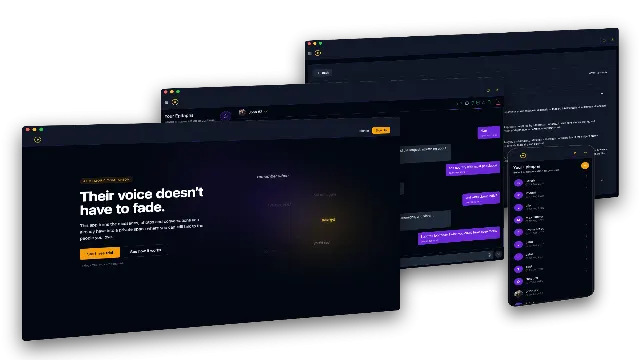
- We build complex AI pipelines end to end. For a US grief-tech startup we built the AI Grief Companion: ingestion of ten chat formats, a chain of seven contract types across CPU and GPU workers, LoRA fine-tuning, RAG memory and a Neo4j fact graph, where the chat degrades gracefully to whichever stage is ready.
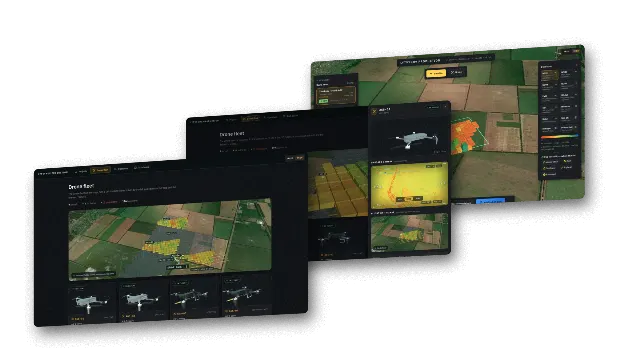
- We have built autonomous task dispatch. Our own drone swarm R&D prototype turns field analysis into tasks that the fleet picks up without a dispatcher as soon as an aircraft is free.
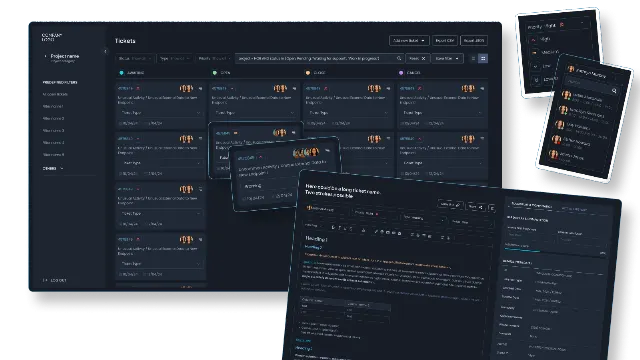
- We know operational tooling. For a telecom support team in France we built a task and ticket system that ingests third-party alarms, assigns work by role and sends automated notifications, which is the kind of system agents plug into.
- We run agents ourselves. Our delivery uses AI coding agents under senior engineers, working through MCP servers we built for our own board and CMS.
Next step
Describe one workflow you want an agent to handle, the systems it touches and what a wrong action would cost you. In a short call we will tell you whether an agent is the right tool, what autonomy level is realistic at launch and what a fixed quote after scoping would cover. Contact us to start.